The Application Programming Interface (API) allows for automated communication between connected systems. In order to automate fulfillment, API access must be enabled.
If you have not yet gathered your API credentials, follow these steps first:
Enter credentials in PackageBee
- In your PackageBee Dashboard, click Warehouses.
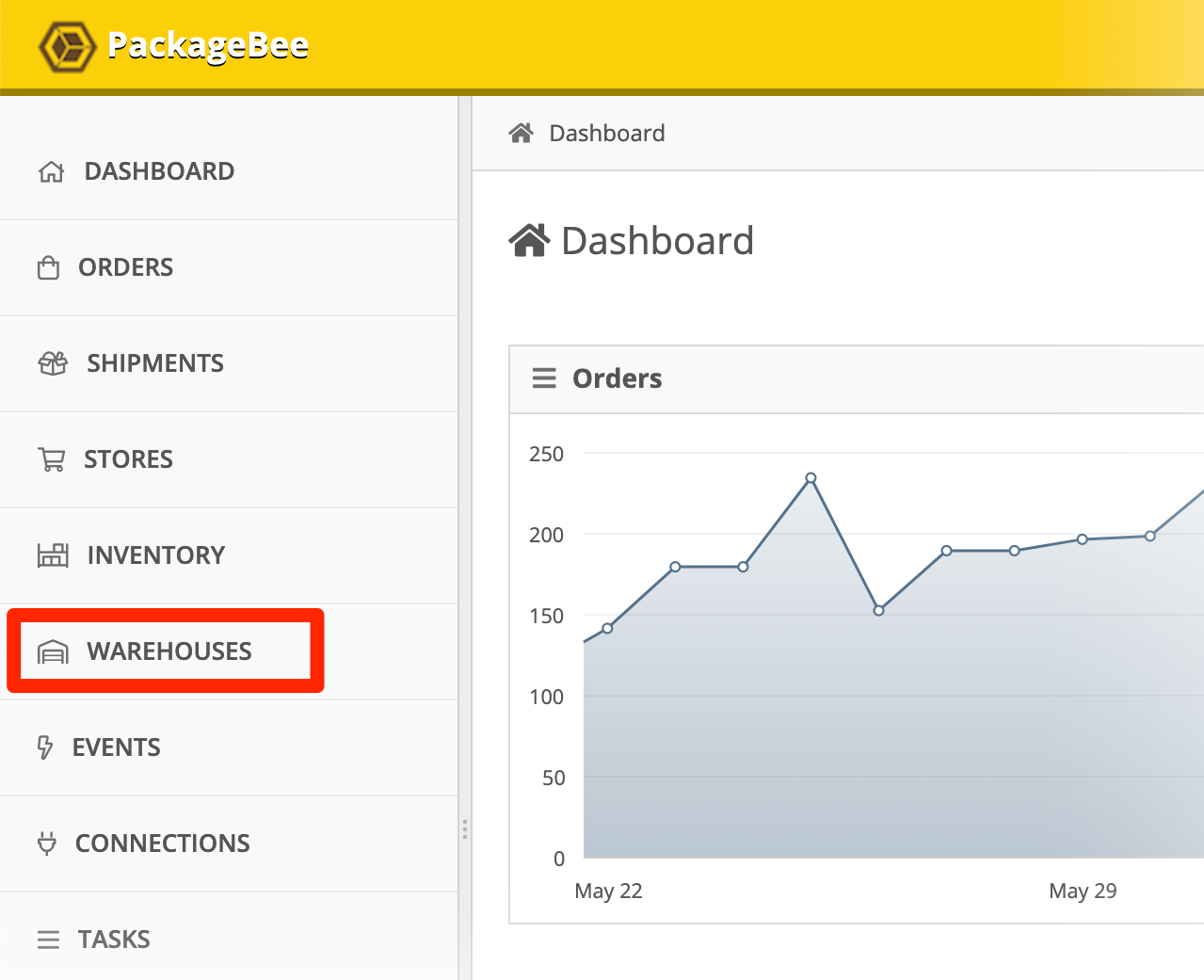
- Click the name of your ApparelMagic warehouse.
- In Connection details, enter your API credentials:
- Company (ApparelMagic subdomain)
- Token
- Warehouse
- Division
- SKU Identifier — one of:
Alt SKUUPCStyle Number
- Stock field selector — one of:
Available to SellOpen SalesStock on HandAvailable to Allocate

Note: For more information about SKU Identifiers, refer to the following ApparelMagic document:
 ApparelMagic SKU Identifiers.
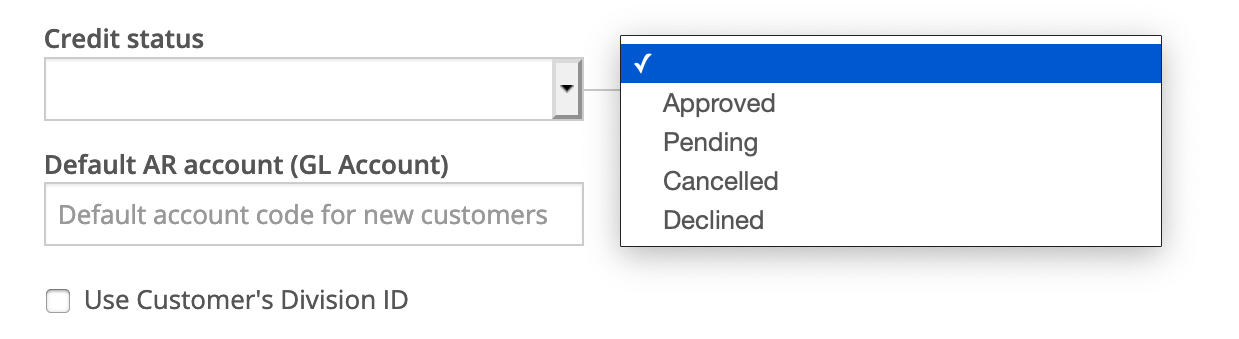
- Optional: Edit any of the following settings:
- Credit status — one of:
ApprovedPendingCancelledDeclined
- Default AR Account (GL Account) — The default AR account for this integration.
- Use Customer's Division ID — If enabled, use the customer's Division ID. (default: disabled)
- When you're done, click Save changes.

Next: Review Order Status
Attachments: