The API (Application Programming Interface) provides automated communication between connected systems. In order to automate fulfillment, access to the Blastramp API must be enabled.
If you have not yet gathered your API credentials, follow these steps first:
Enter API credentials in PackageBee
- In your PackageBee Dashboard, click Warehouses.
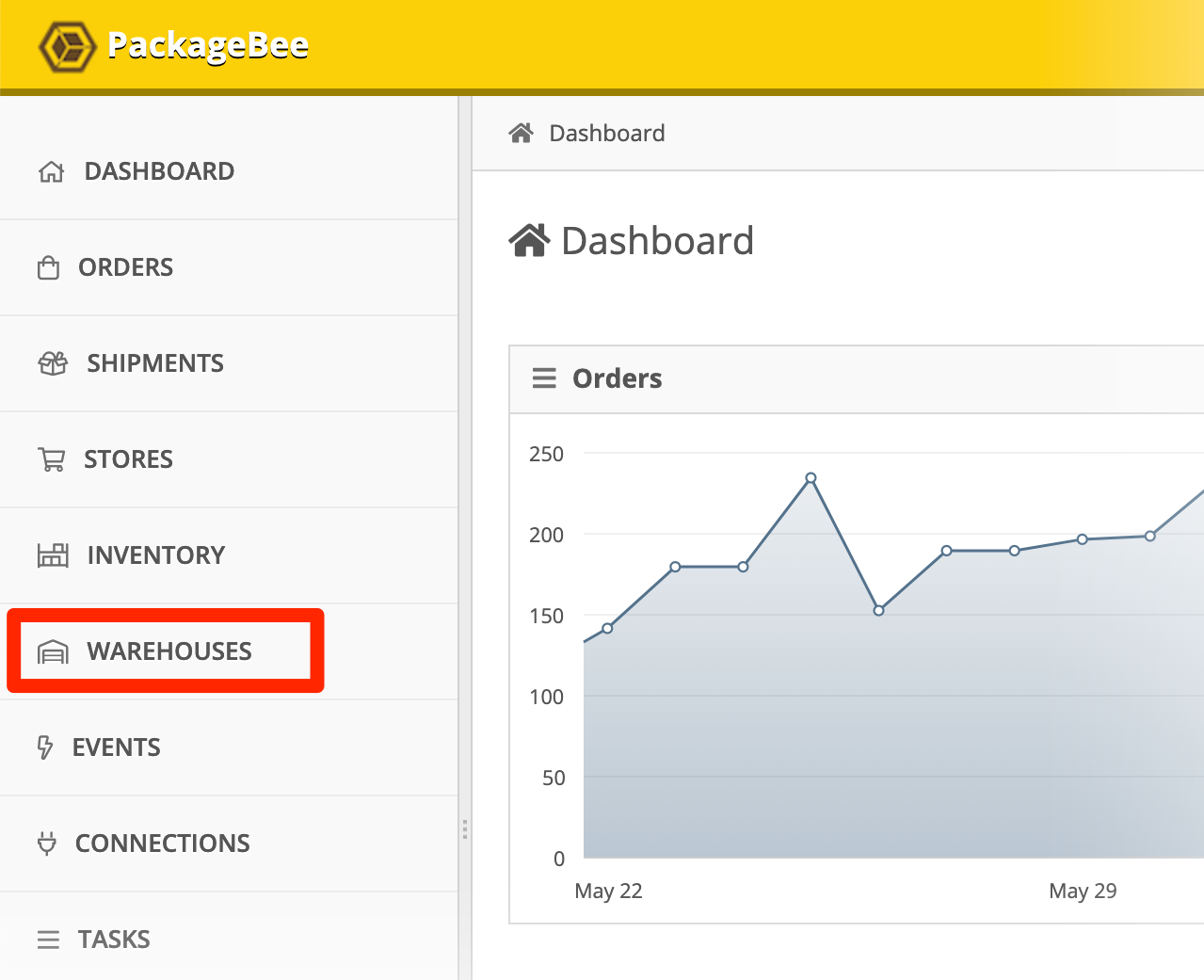
- Click the name of your Blastramp warehouse.
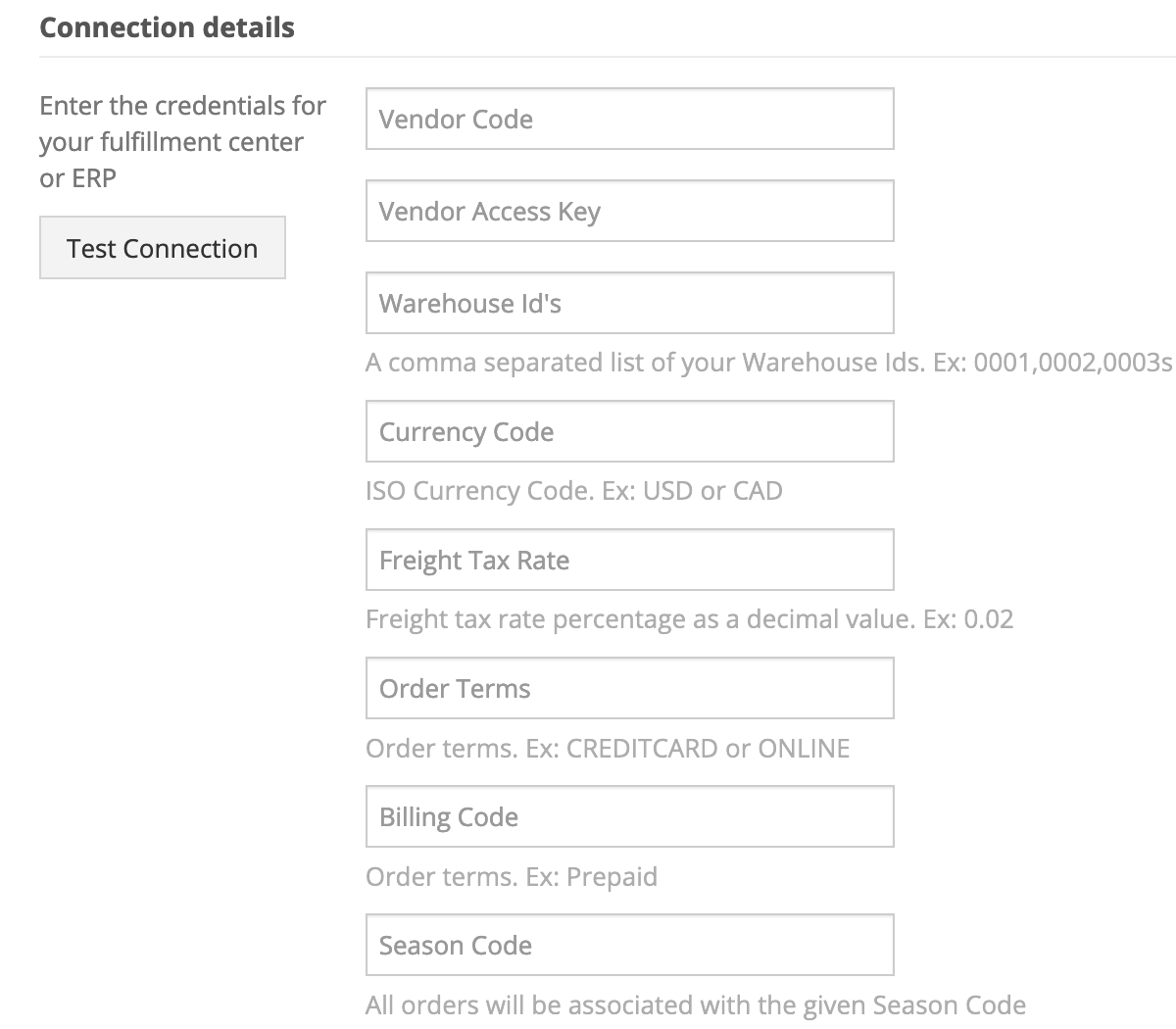
- In Connection details, enter your API credentials:
- Vendor Code
- Vendor Access Key
- Warehouse IDs
- Currency Code
- Freight Tax Rate
- Order Terms
- Billing Code
- Season Code
- Optional: Edit any of the following settings:
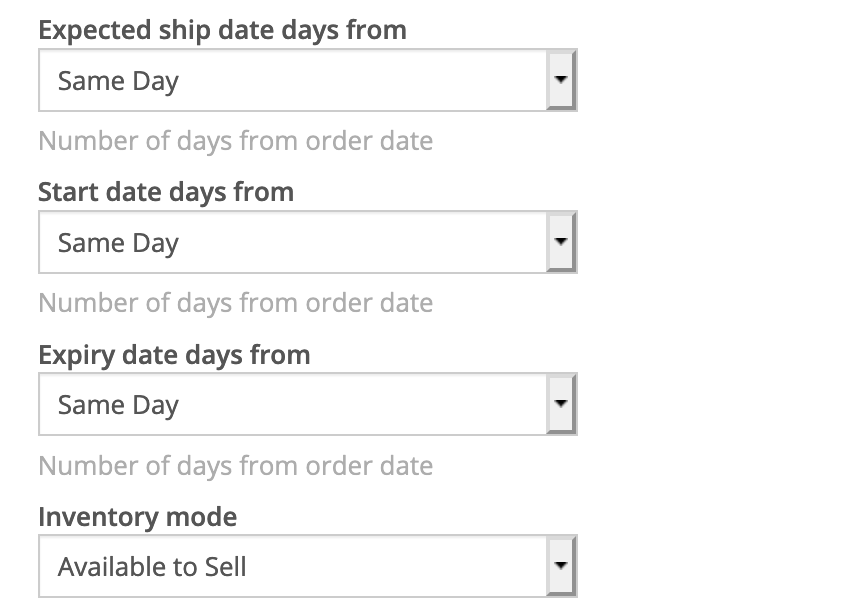
For each of the following settings:
- Expected ship date days from
- Start date days from
- Expiry date days from
the following options are available:
Same Day1 Day2 Days3 Days4 Days5 Days
- For Inventory mode, the following options are available:
Available to AllocateAvailable to SellCurrent in Stock
- When you're done configuring your Blastramp warehouse, click Save changes.

Back to: Integration Overview